
Short videos that stop the scroll. In your brand.
Ask Sarah for a clip. She plans the scene from your brand, makes a six or ten second video in the shape each channel needs, and lays your headline, your brand name and an end card over it in your fonts and colours, the same look as your posts. You see it in the chat before it goes anywhere.
Included from the AI Lite plan, $49/month.
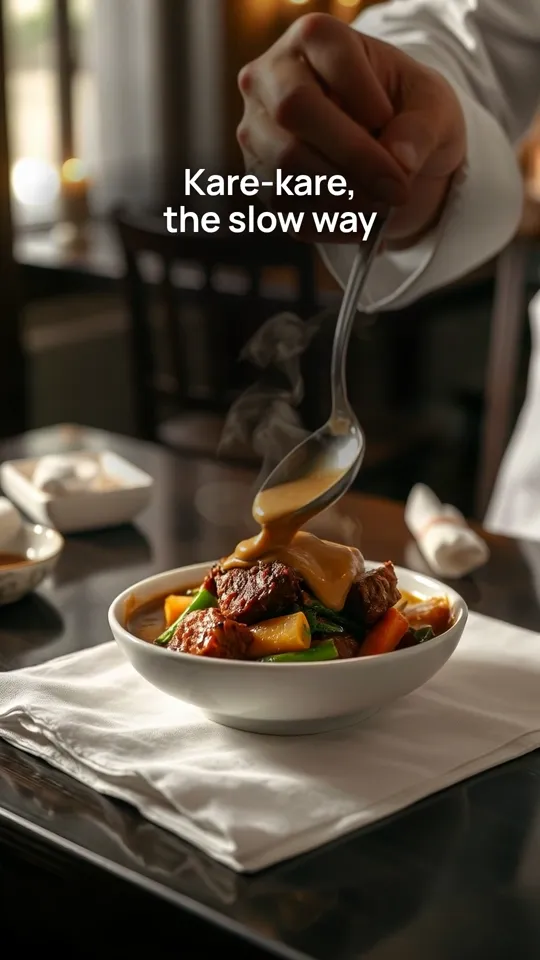
The same brand as your posts, on every frame.
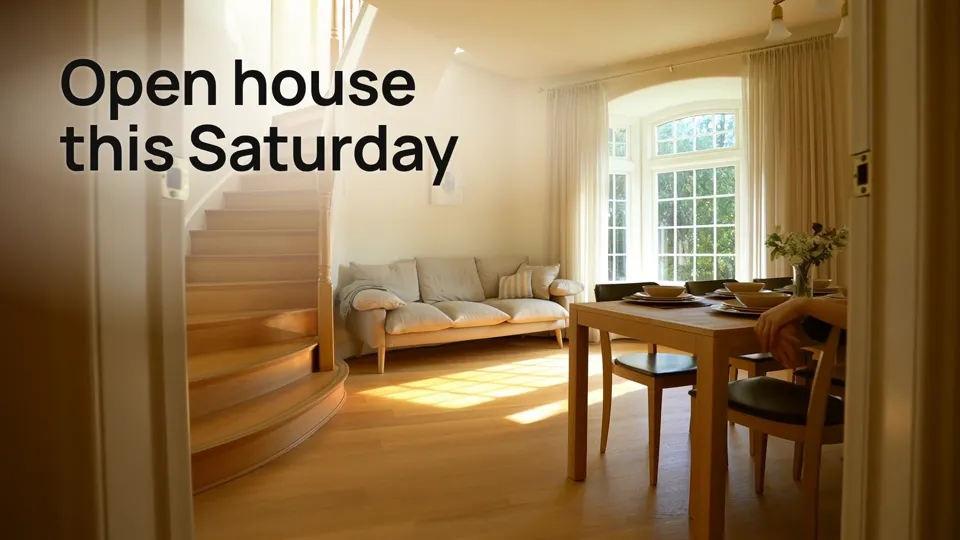
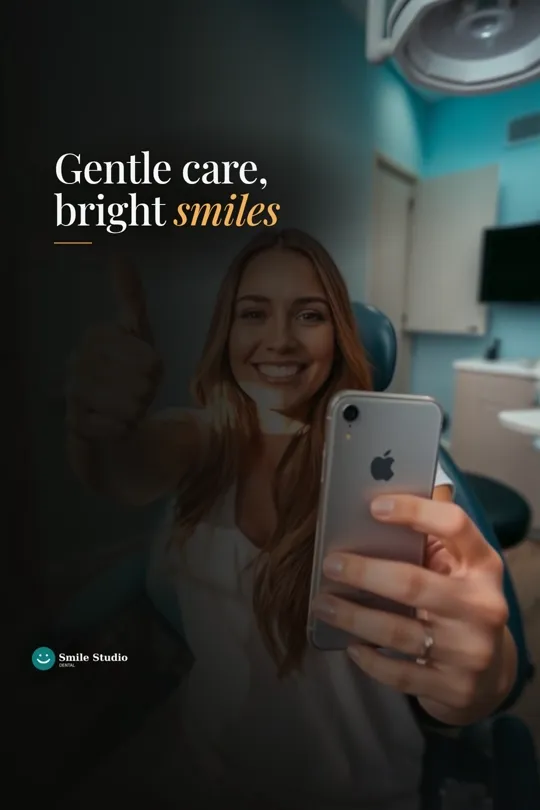
Your words and your name are drawn by the renderer that makes your post images, in the style of your latest posts. These are real clips from the platform.
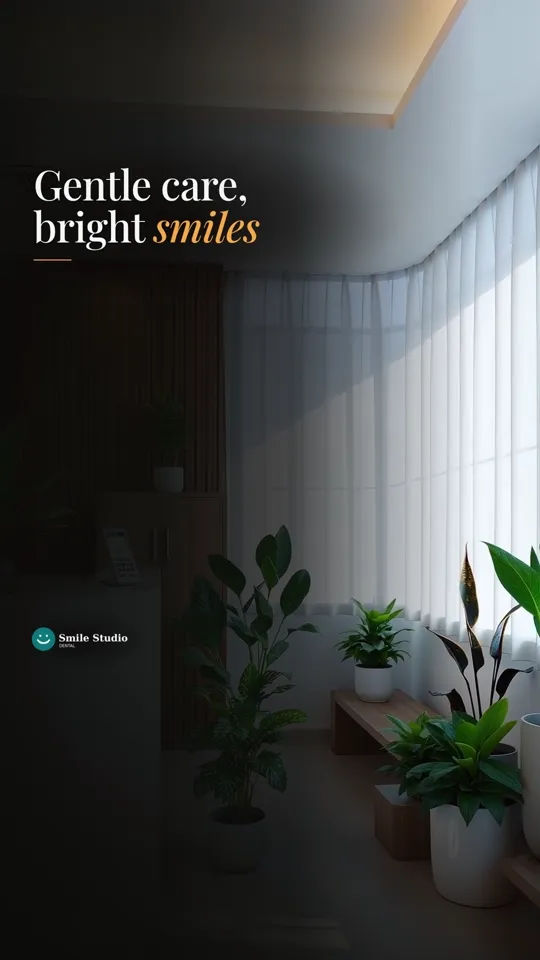
Set in your brand's type, with one word in your accent colour, exactly as on your posts.
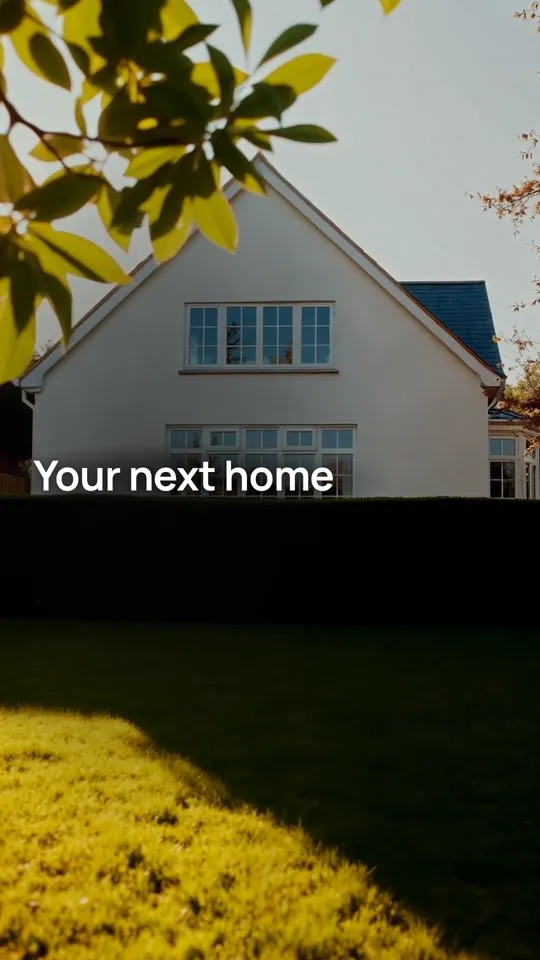
Every clip is checked for how clearly the words stand out, and redrawn when they do not.
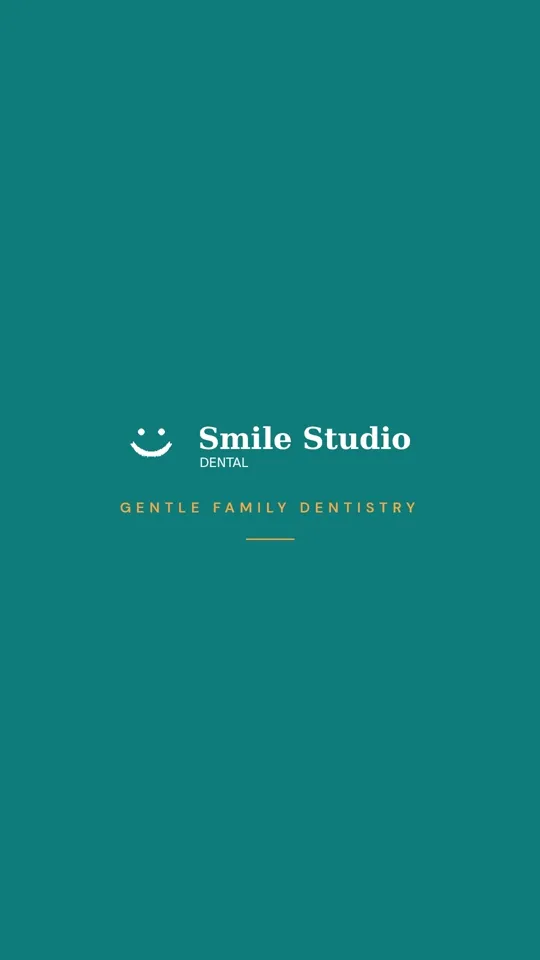
Your logo or name, your line and your colours in the closing second, so every view remembers who it was.
From a sentence in the chat to a finished clip.
One request, five steps, and the cost shown before anything is made.
The right shape for wherever it plays.
Each shape keeps your words clear of the app's own buttons and captions.
Your face. Your voice. No filming day.
People buy from people. Sarah can make short videos of you talking to your customers, from one photo of you and a few seconds of your voice.
Talking vlogs
Sarah writes a script for you to approve, or uses a recording you send, and makes your photo speak it. Up to a minute, checked to still look like you, and never with prices or dates you did not give her.
In your own voice
Send ten to fifteen seconds of yourself speaking and Sarah learns your voice. Every line is checked to sound like you before you see it. Say "stop using my voice" and it stops.
Your music underneath
Send a track you have the rights to and it plays softly under every video Sarah makes for that business, dipping when someone speaks. Leave it off one video, or stop it at any time.
What runs on its own, and what always waits for you.
Runs on its own
- Planning the scene, the shape and the headline from your request and your brand.
- Matching the style of your latest posts.
- Drawing your headline, brand name and end card on the clip.
- Checking the words stand out, and redrawing them when they do not.
- Returning the credits when a clip cannot be made.
Always waits for you
- The cost: shown before anything is made.
- Making the clip: only after your yes.
- Posting it anywhere: it arrives made, not posted.
- Another version: ask in the chat and Sarah plans it again.
Included in
Each clip uses credits from your plan's monthly allowance, and Sarah shows the cost first.
What owners ask about Video.
How long are the videos?
Six or ten seconds: the length that holds attention in a feed, a story or a hero banner.
Which shapes can I get?
Vertical 9:16 for Reels, Stories and TikTok, square 1:1 for the feed, wide 16:9 for your website and YouTube, and 2:3 for Pinterest. Each one keeps your words clear of the app's buttons.
Will it look like my brand?
Yes. The headline, your brand name and the end card are drawn by the same renderer as your post images, in your fonts and colours, in the style of your latest posts. Your logo is used when you have uploaded one.
Do the videos have sound?
No. Clips are silent, made for feeds that play muted, so the headline carries the message.
What does a video cost?
Credits from your plan's monthly allowance. Sarah tells you the cost before anything is made, and a clip that fails is never charged.
Does it post on its own?
No. Every clip arrives in your chat as made, not posted. It goes out only when you approve it or attach it to a post.
Your first clip is one message away
Tell Sarah what you want people to see. She makes it in your brand.
Start free. You see the clip and its cost before anything goes anywhere.